
Selecting & Reusing a Prompted Filter
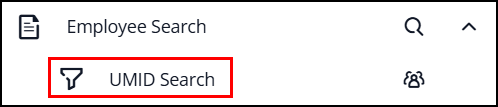
When you choose a prompted filter in a Document View, such as:
The system will ask you to provide specific information.
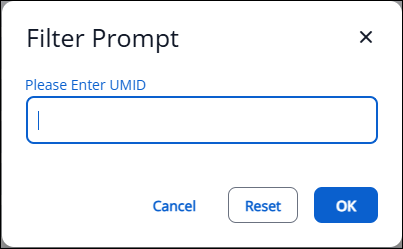
After you enter the data, your search results will be displayed based on what you entered.
New in Titan: When using a prompted filter, to rerun the search with different criteria, click the Search button in the top-right corner.

This will bring up the prompt again so you can enter new data for your next search.