
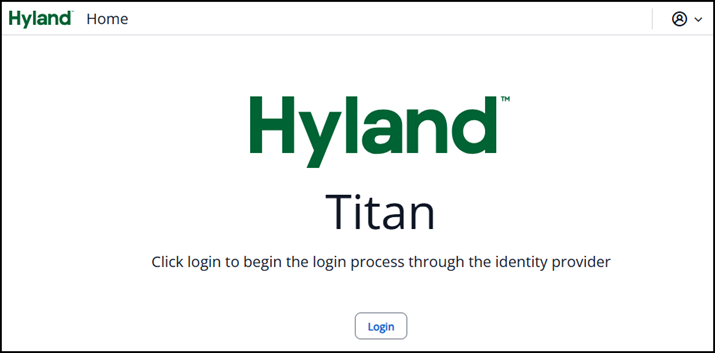
A new login page that clearly identifies the vendor (Hyland) and the vendor’s name for the new browser interface (Titan). Titan has been chosen by our vendor as their new tool for ongoing improvements.
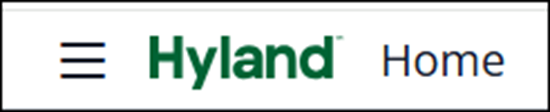
Upon logging in, you’ll spot three horizontal bars at the top left of your screen—the Menu icon—right next to ‘Hyland’. This handy Menu icon lets you seamlessly switch between tasks, such as viewing or capturing documents, without making a pit stop at the home page.
Working with documents just got easier! Want to switch quickly between capturing and viewing? Open two Titan tabs in your browser—one dedicated to document ‘CAPTURE’ and the other for searching and viewing ‘DOCUMENTS’. Each browser tab is clearly labeled, helping you stay organized with multiple navigation modes.

Note: Just like other university enterprise systems, Titan will automatically log you out after 60 minutes of inactivity and bring you back to the Titan login screen.